Know what’s outand when it’s due
Demo program software for tennis and pickleball pro shops. Check out rackets at the counter; the reminders send themselves.
“For the first time, I can see our whole demo program at a glance. We’ve stopped losing equipment.”
Shops running their demos on Racket Vision


Retire the sign-out sheet
Most shops run demos off a clipboard. Paper can’t tell you who’s late, and it can’t text anyone. Racket Vision does both.
The sign-out sheet
Who’s late? Flip through the pages. Need their number? Hope someone wrote it down.
Racket Vision
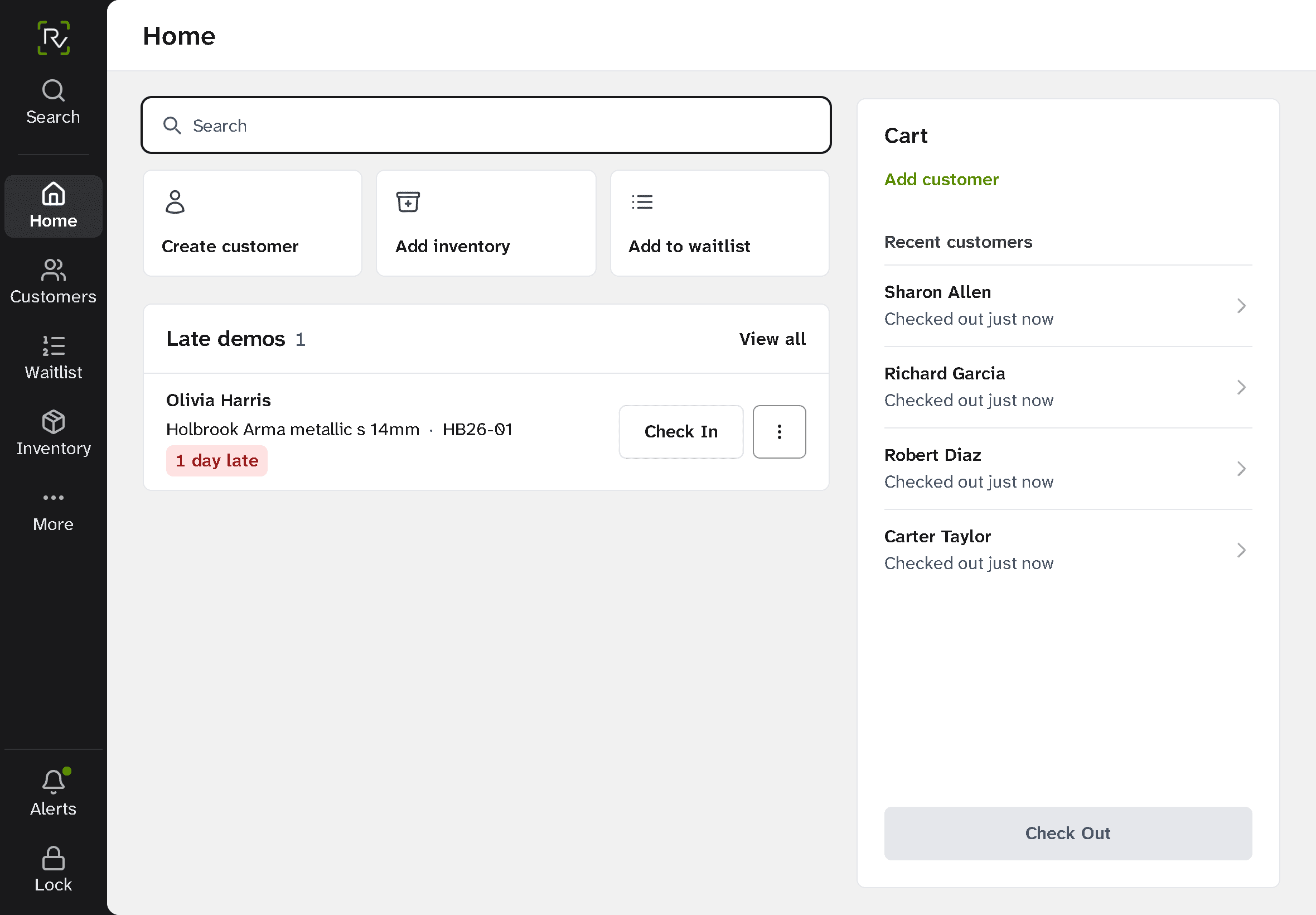
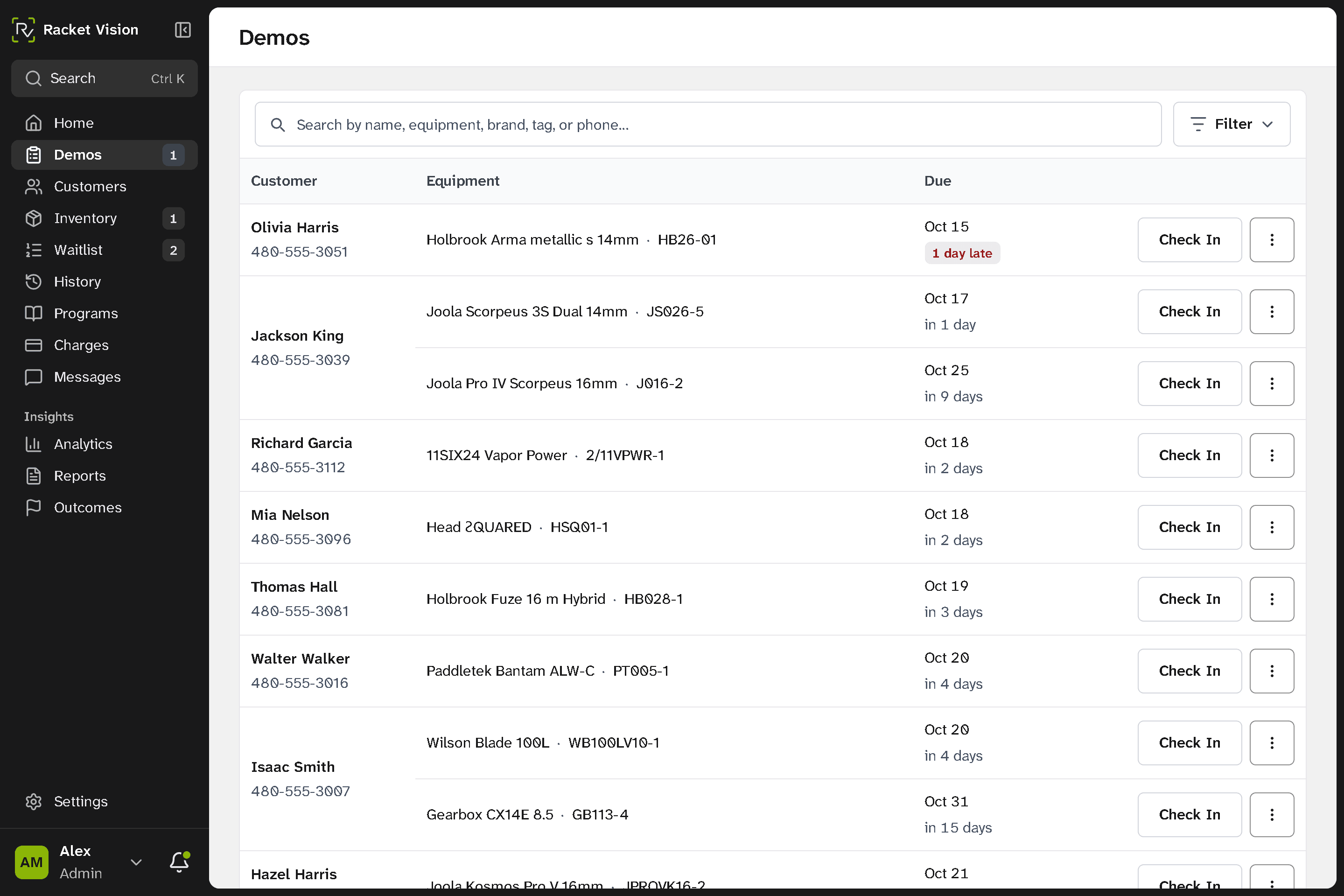
Late and due-today demos sit at the top, with the customer’s number under their name. They already got a reminder text.
How a demo runs
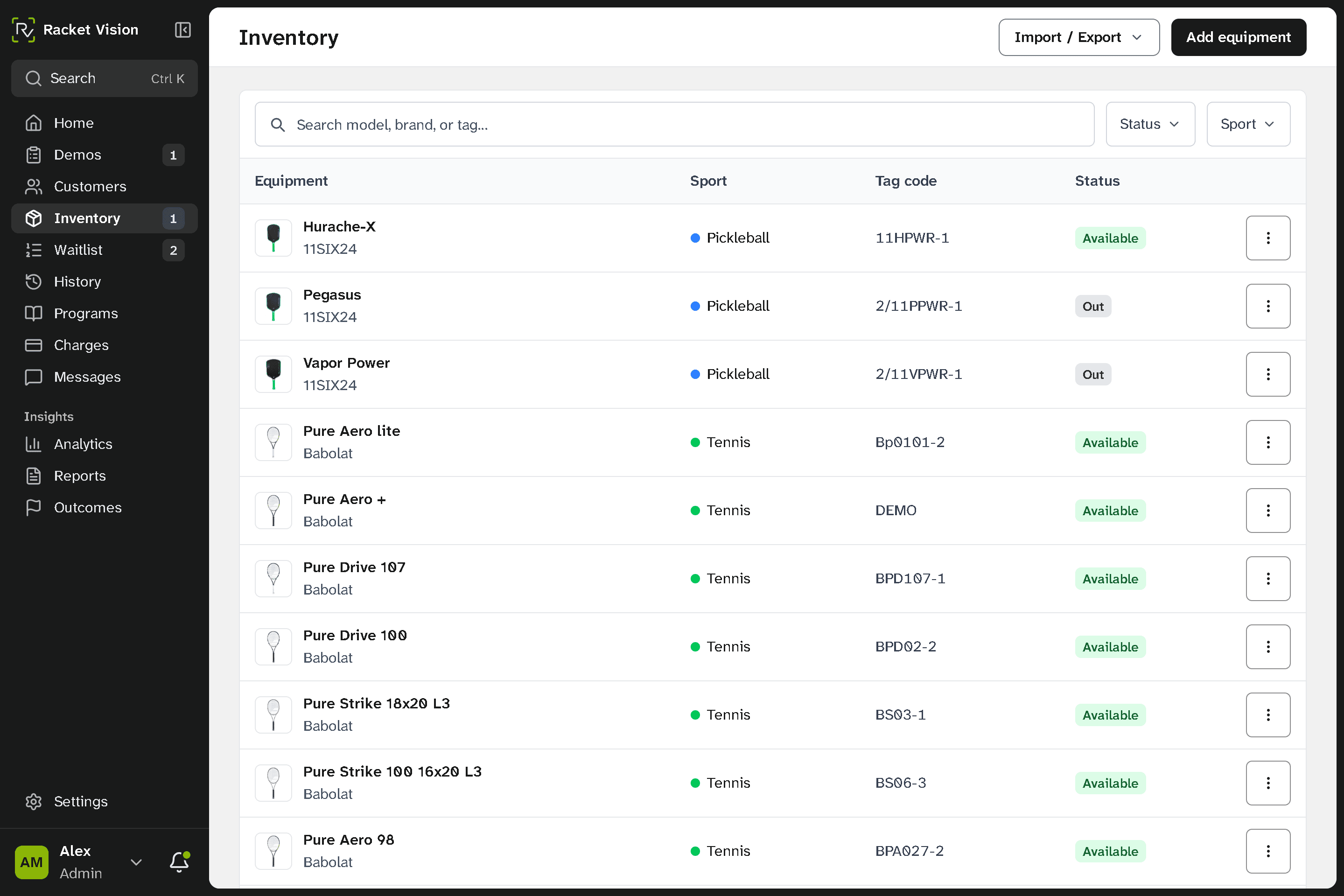
Check it out at the counter
Find the customer, add the racket or paddle, and tap Check Out. They get a text with the due date.
Reminders go out on their own
The day before it’s due, the customer gets a reminder. A late demo moves to the top of your list, and late fees can charge the card on file if you turn them on.
Check it back in
One tap returns it to the wall. If someone is waiting for that model, Racket Vision shows you who, so you can text them.
Today’s demos, most urgent first
Staff see the customer, equipment, return date, reminders, and notes in one place. Try it: pick a demo.
Demo desk
Today’s demo queue
Follow-up happens
at the right time
Choose the timing once. Reminders, queue priority, and optional late fees stay with the demo.
Send a clear reminder before the return date.
Keep the return at the top of today’s queue.
Keep follow-up and late-fee rules visible until it’s resolved.
Questions shops ask
Do my customers need to download anything?
No. They get a text with a link and can check their own demos in a browser. Nothing to install, nothing to scan.
How long does setup take?
Most shops go live the same afternoon. Import your equipment from a spreadsheet, add your staff, and start checking rackets out. Setup and training are included.
What happens when a demo goes out late?
Racket Vision flags it on the dashboard and texts the customer before and after the due date. If you turn on late fees, it can charge the card on file automatically and log every charge and refund.
What happens on the demo call?
We walk through how your demo wall works today, then show Racket Vision doing the same job: checking a racket out, the reminder texts, and what setup would look like for your shop.